
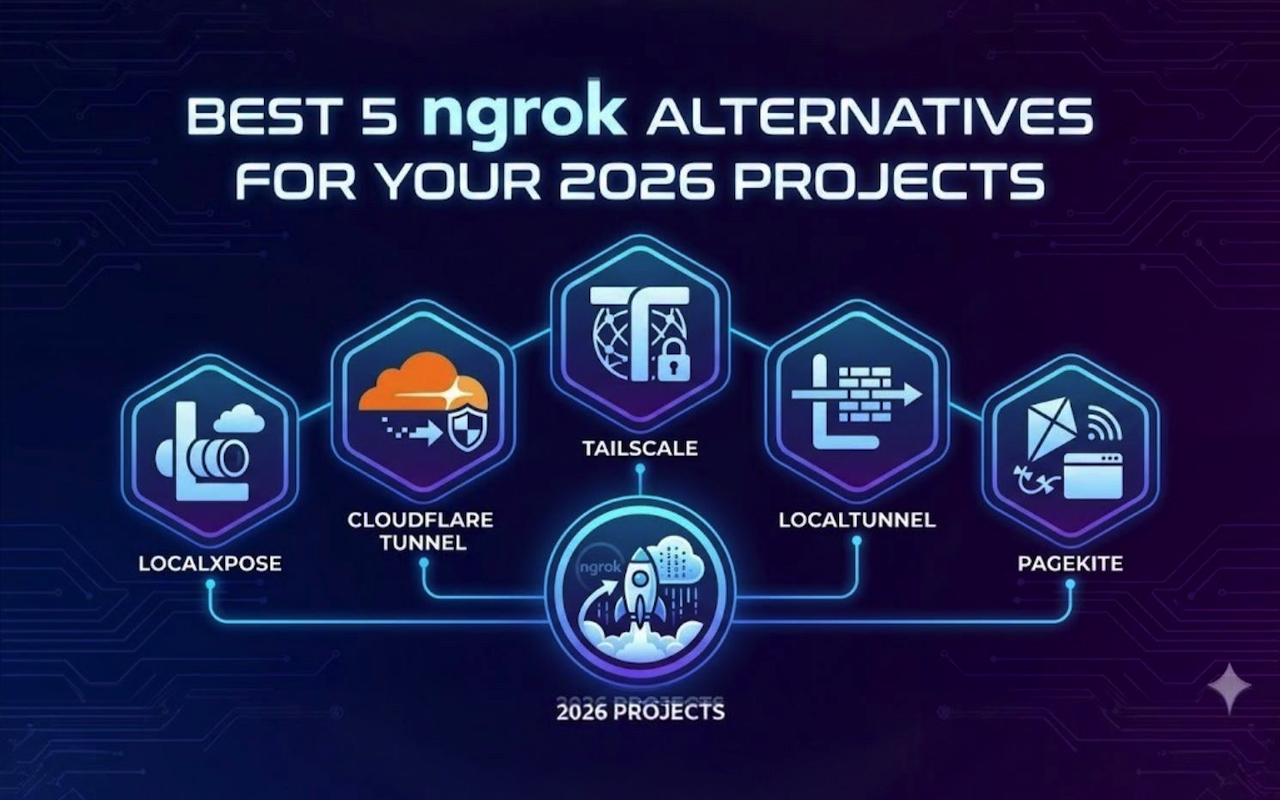
When you're building a web application locally and need to share it with a client, test a webhook integration, or demo your work to a remote team, exposing your localhost to the internet becomes necessary. Ngrok has been the go-to solution for years, but it's not the only option, and depending on your specific needs, it might not even be the best one.
In this article, we’ll explore the best 5 ngrok alternatives for your 2026 projects and cover both the pros and cons of each alternative to help you make the best decision.
Why Developers Look Beyond Ngrok
Ngrok does its job well, but several factors push developers to explore alternatives. The bandwidth limitations on lower-tier plans can be restrictive, the entry paid plan caps you at 5GB per month, which disappears quickly if you're actively testing. There's also the pricing structure to consider, starting at $10 monthly for basic features that other tools include in their free tiers.
Beyond cost, ngrok doesn't support UDP tunnels, which matters if you're working with real-time applications or gaming servers. And while the platform offers solid features, many prefer solutions that give them more control, whether through self-hosting options or open source alternatives.
Best 5 Ngrok Alternatives for 2026
In short, these are the top ngrok alternatives we’ll cover:
- LocalXpose
- Cloudflare Tunnel
- Tailscale
- Localtunnel
- Pagekite
1. LocalXpose: Full-Featured Without the Complexity
LocalXpose stands out for offering enterprise-level features without making you jump through hoops to use them. The tool supports HTTP/HTTPS, TCP, TLS, and UDP protocols; covering pretty much any tunneling scenario you'll encounter in development.
LocalXpose offers a generous free tier with 2 active tunnels, SSL/TLS encryption, and unique subdomains.
What makes it practical for daily use is the unlimited bandwidth on paid plans.
You're not constantly monitoring usage or worrying about hitting caps during extended testing sessions.
The built-in request inspector lets you see exactly what's hitting your endpoint in real-time, which beats switching between your terminal and a browser when debugging webhook integrations.
Security features include IP whitelisting, rate limiting, and authentication options. The automatic SSL certificates mean you're not manually configuring HTTPS, and the built-in file server is surprisingly useful when you just need to quickly share some assets or documentation.
At $8 per month for the Pro plan with 10 active tunnels and no bandwidth restrictions, the pricing sits in a comfortable middle ground, more features than budget options, less expensive than enterprise alternatives.
Downsides of LocalXpose
You need to download and install the client before getting started, which adds a step compared to SSH-based solutions.
The tool also doesn't support OAuth 2.0 authentication for tunnel visitors, so if you need that specific authentication method, you'll need to look elsewhere.
2. Cloudflare Tunnel: When You're Already in the Ecosystem
If you're already using Cloudflare for DNS or CDN services, Cloudflare Tunnel makes sense. It integrates directly with their Zero Trust platform and benefits from their global network infrastructure.
The setup requires running the cloudflared daemon on your local machine, which then establishes an outbound connection to Cloudflare's network. This approach means you're not exposing any inbound ports, which appeals to security-conscious teams.
The free tier is generous, supporting up to 50 users as part of Cloudflare Zero Trust. Built-in DDoS protection and WAF capabilities come standard.
Downsides of Cloudflare Tunnel
The administrative interface can feel clunky when managing multiple tunnels.
Some users report occasional connection reliability issues, particularly during Cloudflare's infrastructure updates.
The initial setup requires more configuration than simpler alternatives, and if you're not already using Cloudflare's ecosystem, the learning curve might not justify the effort for basic tunneling needs.
Cloudflare Tunnel works best when you need production-grade infrastructure and already trust Cloudflare with your other services. For quick development testing, it might be overkill.
3. Tailscale: More Than Just Tunneling
Tailscale takes a different approach. It's fundamentally a VPN solution built on WireGuard, with tunneling capabilities through its Funnel feature. This makes it ideal when you need secure access to your entire development environment, not just a single port.
The mesh networking model means your devices connect directly to each other, not through a central relay.
This often results in better performance and lower latency compared to traditional tunneling services that route everything through their servers.
Tailscale's free tier supports up to three users and 100 devices, which covers most personal and small team scenarios. The platform works across Windows, macOS, Linux, iOS, and Android with minimal configuration. MagicDNS automatically assigns readable names to your devices, eliminating the need to remember IP addresses.
Downsides of Tailscale
The Funnel feature for public internet exposure is still in beta, which means potential bugs and changes.
If you just need to quickly share a single service with someone who can't install Tailscale, traditional tunneling tools are more straightforward.
The VPN model means everyone accessing your service needs to be part of your Tailscale network, which creates friction for external stakeholders or clients who just want a simple URL.
4. Localtunnel: The Minimalist Choice
For developers who want the absolute simplest option, Localtunnel delivers. It's an npm package that creates HTTP/HTTPS tunnels with a single command, no account signup required.
Install it globally with npm install -g localtunnel, then run lt --port 3000 and you instantly get a public URL. Custom subdomains are available if you want something more memorable than a random string.
Downsides of Localtunnel
Being open source, it's not heavily maintained, which means updates and bug fixes can be slow.
It only supports HTTP/HTTPS, meaning no TCP or UDP tunneling for other protocols.
Since it's a Node.js package, you can't use it in environments without Node installed, which limits deployment options for IoT or embedded systems.
Being free and open source, Localtunnel has its place in the ecosystem. Just know its limitations going in.
5. Pagekite: The Python-Powered Option
Pagekite runs as a Python script and supports HTTP, HTTPS, and SSH tunneling. It's particularly useful if you need persistent URLs; the same address works every time you start your tunnel, which beats constantly sharing new links.
The free tier includes 2GB of data transfer, with paid plans starting at $5.99 monthly for increased quotas and custom domain support. Installation is straightforward if you're comfortable with Python: install the package, run the signup command, then create tunnels as needed.
Downsides of Pagekite
Authentication options are basic—just username/password protection without OAuth or more advanced security features.
The community is smaller compared to other tunneling tools, which means fewer third-party integrations and less community support when troubleshooting.
It requires Python to be installed and configured, which adds another dependency to manage.
For teams wanting advanced features like request replay or detailed traffic inspection, Pagekite doesn't match up to more feature-rich alternatives.
Open Source Self-Hosted Options
If you prefer running your own infrastructure, several open source tools provide tunneling without external service dependencies.
frp (Fast Reverse Proxy)
Frp (Fast Reverse Proxy) is highly customizable and supports TCP, UDP, HTTP, and HTTPS. It requires setting up server and client components, giving you complete control over tunneling infrastructure. The downside is the manual setup complexity. You're configuring both ends of the tunnel yourself, which takes time and technical knowledge that might be better spent on actual development.
Bore
Bore focuses on simplicity with minimal configuration. It's lightweight and fast, though limited to TCP tunnels. The protocol restrictions mean it won't work for everything, and the smaller community translates to fewer resources when you hit issues.
Chisel
Chisel uses WebSocket connections for tunneling, making it effective in restricted networks. The single executable keeps deployment simple. However, like bore, it requires you to host and maintain your own server infrastructure, and the documentation assumes a certain level of networking knowledge.
Downsides of Self-Hosted Options
Manual setup complexity.
Protocol restrictions limit what you can do. bore only handles TCP, for example.
You're responsible for hosting and maintaining your own server infrastructure, and the documentation assumes networking knowledge.
Server costs, backup strategies, and monitoring systems all become your problem, not the service provider's.
Smaller communities mean fewer resources when you hit issues during troubleshooting.
Making Your Choice
The right tunneling solution depends on what you're actually building and how you work.
For straightforward web development and IT management with frequent localhost exposure, LocalXpose or Cloudflare Tunnel provide reliable options. Both handle webhook testing, client demos, and API development without deep configuration.
For team environments where multiple developers need shared resource access, Tailscale's VPN approach often makes more sense. For occasional use or learning projects, Localtunnel's simplicity is hard to beat, no account, no credit card, just install and run.
For production-like testing needing consistent URLs and reliable uptime, paid options justify their cost through unlimited bandwidth and persistent configurations.
Common Tunneling Scenarios

Testing webhook integrations is the most common use case. When building Stripe payment processing or GitHub webhooks, you need a public URL their servers can reach. Request inspection features help you see exactly what payload format gets sent, which beats debugging from server logs.
Mobile app API testing requires your local backend accessible from physical devices or emulators. When your mobile device and development machine are on different networks, tunneling is simpler than configuring network sharing.
IoT device testing sometimes needs UDP support for protocols like CoAP or MQTT over DTLS.
When Services Go Down
Even reliable tunneling services can have outages. Keep at least one alternative tool installed and configured so you can switch without scrambling during critical moments.
For important presentations, test your connection beforehand from the actual network you'll use. Hotel wifi or conference networks sometimes block necessary ports or protocols. You can use tools to check if a website is down to verify if connectivity issues are on your end or the service's end.
Before blaming your tunneling service, verify your local server responds to requests from localhost first. This simple debugging step eliminates half the potential problems immediately.
Wrapping Up
Ngrok established the category of simple, developer-friendly tunneling, but the space has expanded significantly. Whether you need basic HTTP tunneling for occasional demos, full protocol support for complex applications, or secure VPN-style access for your entire team, viable options exist.
LocalXpose offers a balanced approach; comprehensive protocol support, unlimited bandwidth, and useful features without overwhelming complexity or enterprise-level pricing. Cloudflare Tunnel makes sense if you're already invested in their ecosystem. Tailscale excels for teams needing secure access to multiple services. Open source options provide control for specific requirements.
The right choice depends on your actual needs, not which tool has the most impressive feature list. Start with your use cases, test a few options, and pick the one that fits your workflow best. Your future self, stuck debugging a webhook integration at 2 AM, will thank you for choosing a reliable tunneling tool that just works.
Featured Image generated by Google Gemini.
Share this post
Author

Leave a comment
All comments are moderated. Spammy and bot submitted comments are deleted. Please submit the comments that are helpful to others, and we'll approve your comments. A comment that includes outbound link will only be approved if the content is relevant to the topic, and has some value to our readers.
Comments (0)
No comment