
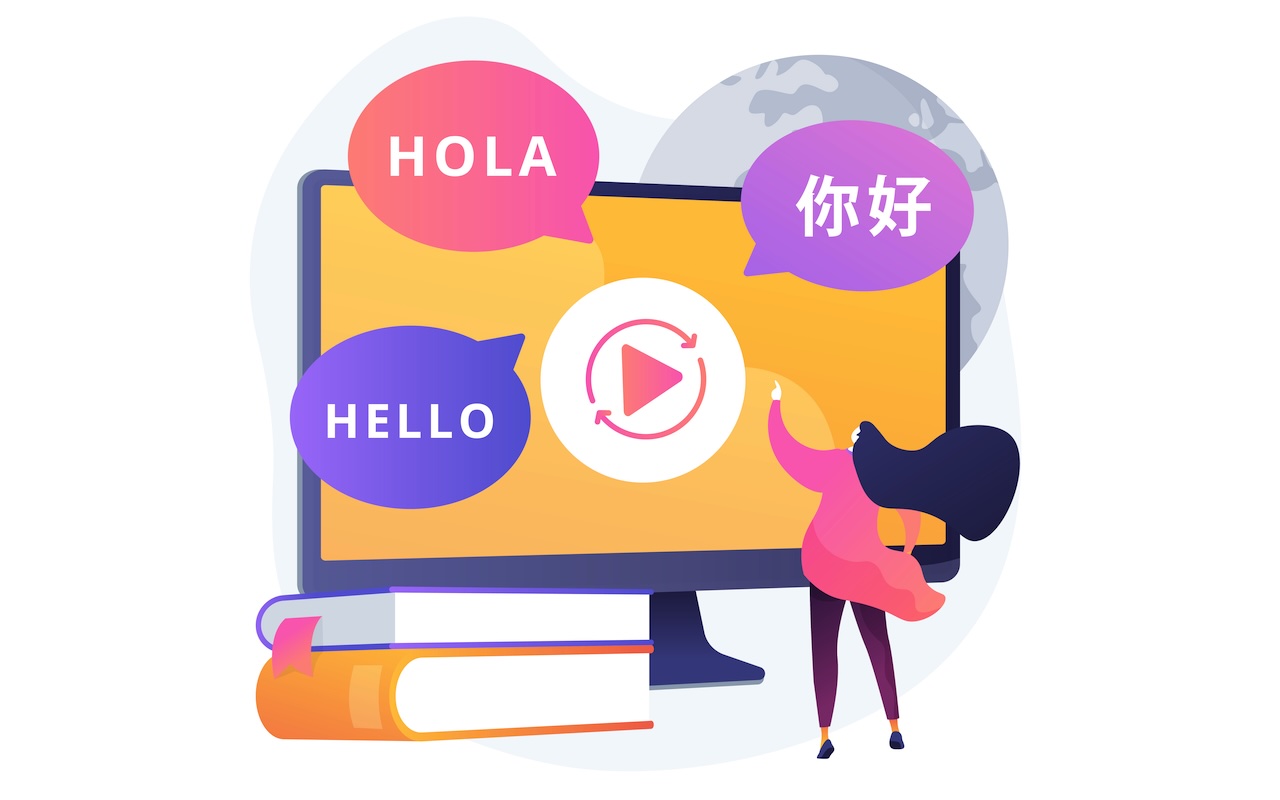
As digital video continues to dominate global communication, creators and companies alike face a major challenge: how to make their content resonate with audiences who speak different languages, live in different regions, and expect culturally relevant messaging.
In this article, we’ll explore the technologies and workflows that allow you to dub and translate videos effectively, using IP geolocation, AI video translators, and cloud-based video tools to deliver the right language to the right audience anywhere in the world.
Why It Matters: Data Shows Viewers Prefer Localized Content
Recent data highlights the importance of video localization:
- According to Netflix, over one-third of global viewing hours come from non-English titles.
- YouTube reports that more than 60% of watch time on English-language channels comes from users whose primary language is not English.
- Netflix now offers content in 36 dubbed and 33 subtitled languages to match regional audience expectations, according to Reuters.
These insights make one thing clear: if your video isn’t available in your audience’s native language, they’re far less likely to engage. Using IP geolocation, AI, and cloud-based video tools, you can deliver the right language to the right audience anywhere in the world.
What Is Video Dubbing and Translation?
Video translation refers to the process of converting the speech in a video from one language to another. Dubbing specifically involves replacing the original audio track with a new voice-over in the target language. This is different from subtitles, which simply display translated text on the screen.
There are three main types of video localization:
- Subtitles: Text overlays that translate spoken content.
- Voice-over dubbing: A new voice is recorded over the original, often without perfect sync.
- Lip-sync dubbing: The new voice is aligned with the speaker’s mouth movements.
Each method has its use case, but dubbing offers better immersion, improved accessibility, and greater emotional engagement, especially in marketing, entertainment, and education.
Using AI Tools for Scalable Video Localization
Browser-based video localization platforms, such as VMEG AI, are commonly used by creators, businesses, and educators to translate and dub video content across multiple languages. Many of these tools support over 170 languages and offer AI-assisted features to facilitate the localization process.
Common Features
- Voice Cloning: Clone your voice or choose from a library of generated voices in various languages.
- Lip Syncing: Automatically aligns mouth movements with translated audio for a more immersive viewing experience.
- Auto Speaker Recognition: Automatically identifies and separates different speakers in your video.
- Multi-Speaker Support: Perfect for interviews, podcasts, and panel discussions.
- Manual Translation Editing: Users can review and adjust translations before dubbing begins.
- Browser-Based Workflow: Operates within modern web browsers without requiring software installation.
- Fast Processing: Generates localized outputs in a relatively short time, depending on the video’s length and complexity.
Step-by-Step: Using a Browser-Based Video Localization Tool
- Visit the platform and create an account.
- Select the video translation feature and upload your video file. Commonly supported formats include MP4, MOV, MKV, WEBM, and M4V.
- Choose the target language(s) from the available options.
- Decide whether to use a cloned voice, a system-generated voice, or a preset voice profile.
- The tool will typically transcribe the video, identify speakers, translate the content, and generate a dubbed version with basic lip-sync alignment.
- Review the translation and timing. Make manual edits if necessary.
- Export the localized video and upload it to your preferred platform.
Some browser-based tools combine multiple functions such as transcription, translation, dubbing, and voice synchronization into a single workflow, which can help streamline the localization process.
Traditional vs AI-Based Localization Workflows
| Feature | Traditional Workflow | AI-Powered Workflow |
|---|---|---|
| Time | Days to weeks | Minutes to hours |
| Cost | High (voice actors, editors) | Low to moderate (SaaS) |
| Scalability | Limited | High (100+ languages) |
| Accuracy | High (with native speakers) | Moderate to high (with proofreading) |
| Lip Sync | Manual, expensive | Automated with AI tools |
AI-based localization uses technologies like:
- ASR (Automatic Speech Recognition)
- NMT (Neural Machine Translation)
- TTS (Text-to-Speech) with Voice Cloning
- Lip-sync engines
- Speaker diarization
These tools can be integrated into a structered workflow that processes a source video and produces a dubbed version in multiple languages.
Additional Methods for Dubbing and Translating Videos
While some platforms offer integrated localization features, there are also several other methods and workflows that can be used to localize video content effectively:
1. Hybrid Workflow: AI and Human Editing
Many teams use AI for the initial transcription and translation, followed by human linguists for proofreading, and voice actors for re-recording high-impact content such as advertisements or training modules. This balances speed with quality.
2. Manual Translation and Outsourced Dubbing Studios
For videos requiring cultural nuance, manual translation by native speakers followed by professional studio dubbing remains a gold standard. This method is costly but ideal for cinematic productions or high-stakes messaging.
3. Use of SRT/Subtitle Files and Voice-Over
Export the transcript to an SRT file, get it translated into multiple languages, and then generate voice-overs using TTS tools like ElevenLabs or Google Cloud Text-to-Speech. Sync those tracks with your video using editing software such as Adobe Premiere or DaVinci Resolve.
4. Crowdsourced Translation Platforms
Some open-source or community-driven platforms like Amara.org allow you to engage your audience in translating subtitles, which can later be turned into dubbed versions with voice-over tools.
5. Content Duplication with Regional Language Overlays
Instead of embedding multiple languages in one video, create duplicate versions of the same video with regional overlays and audio tracks. Deliver the appropriate version using IP-based redirection or region-specific CDN routing.
These approaches can be mixed depending on your project’s complexity, budget, and target markets.
How IP Geolocation Enables Smart Localization
IP geolocation allows websites and platforms to determine a user’s approximate location based on their IP address. When paired with content delivery logic, this enables:
- Automatic Language Switching: Display the appropriate language version of the video based on the user’s IP region.
- Localized CDN Delivery: Deliver video content from region-specific servers to enhance loading speeds.
- Analytics for Localization: Track which regions engage most with specific language versions.
For example, a user visiting from Japan could automatically receive a Japanese-dubbed version of your product demo, while a visitor from Mexico would see a Spanish version. This is all handled through a single video hosting framework that reacts to IP-based metadata.
Conclusion
In today’s multilingual and distributed internet landscape, delivering localized video content is no longer a luxury; it’s a necessity. With the integration of AI-driven dubbing technologies and IP geolocation services, it’s now possible to deliver tailored video experiences to audiences across the globe in a seamless, scalable way.
These technologies significantly reduce the time and cost associated with traditional dubbing and translation, while IP geolocation helps ensure that viewers automatically receive the most appropriate version of the content for their region.
 FAQs
FAQs
Subtitles are translated text shown on-screen. Dubbing replaces the original audio with a translated voice-over.
Yes. By integrating IP geolocation with your video platform, you can dynamically serve region-specific versions.
Yes, many tools now offer realistic voices with emotion and pacing, though some may still sound synthetic.
It does not reveal personal identity but must still comply with privacy regulations like GDPR.
Yes, some platforms support voice cloning based on short samples of your own speech.
Featured Image by Freepik.
Share this post
Leave a comment
All comments are moderated. Spammy and bot submitted comments are deleted. Please submit the comments that are helpful to others, and we'll approve your comments. A comment that includes outbound link will only be approved if the content is relevant to the topic, and has some value to our readers.
Comments (0)
No comment