
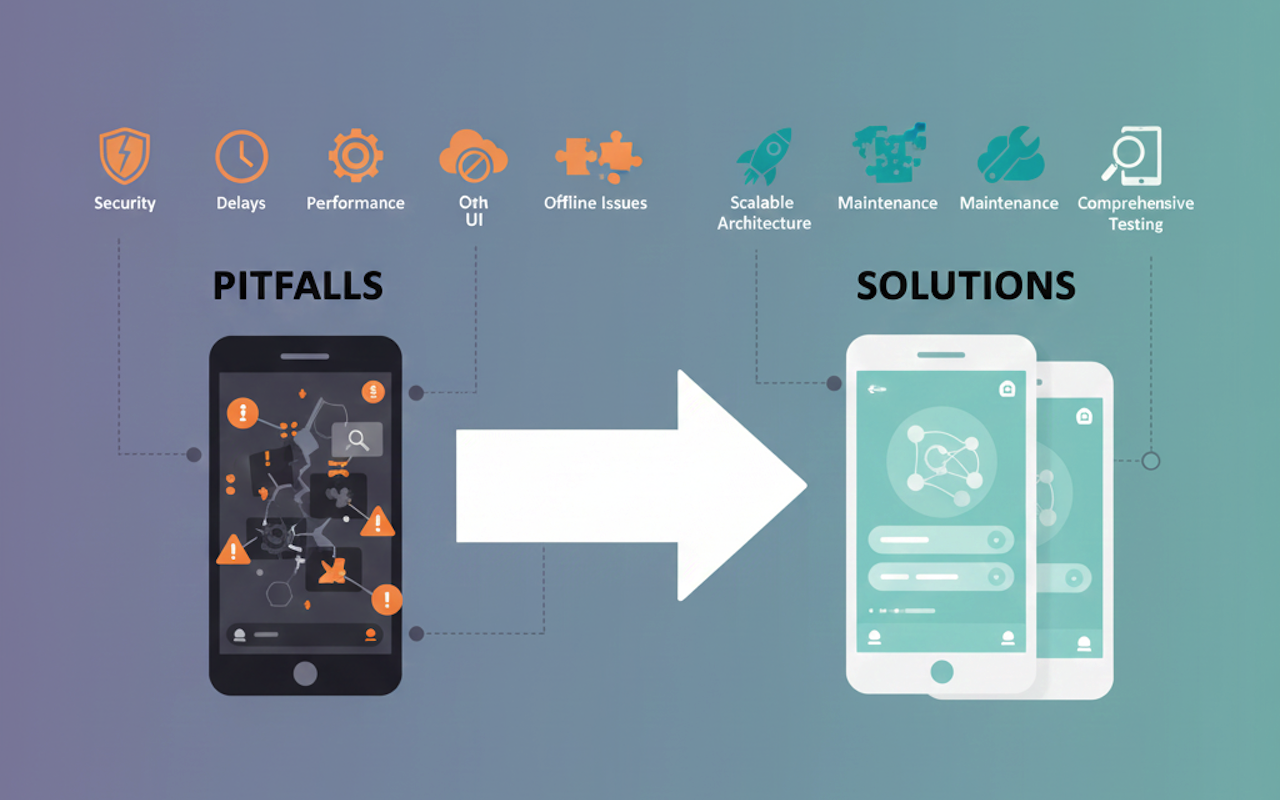
Cross-platform app development has become the go-to choice for businesses and startups aiming to reach a broader user base without spending a million dollars on app development. However, while building a smooth, high-performing cross-platform application, a small oversight can become a major pitfall that affects the app's overall user experience, performance, or security.
This is why it’s crucial to identify these pitfalls early in the app development process and implement the right strategies to avoid them before or after launch. But what are these major pitfalls, and how can they be mitigated? This blog explores the top 10 pitfalls and their prevention methods, helping you build an app that is robust and user-friendly across multiple platforms.
Key Cross-Platform App Development Challenges and Their Prevention Tips
Let’s look at the common cross-platform pitfalls and the ways to avoid them. Having a clear understanding of these pitfalls will help you ensure that your cross-platform app offers a unified, smooth experience for end users when transitioning between devices.
Pitfall #1: Avoiding Platform-Specific UI/UX Guidelines
This is one of the most commonly made mistakes. You should avoid it, as it is a crucial aspect, and adhering to platform-specific guidelines helps you create an intuitive, high-performing app that serves a large audience. Also, apps that feel and look natural increase engagement and help you achieve higher retention rates.
How to Avoid: Conduct UX reviews separately for all devices and use platform-aware widgets or components only.
Pitfall #2: Ignoring Native Optimization Methods
Another significant pitfall or challenge is the overuse of a single codebase and the failure to implement native optimization. Throughout the cross-app development process, you should leverage native features alongside the app’s core functionality. Without these native features and optimizations, your cross-platform app will be unresponsive to specific gestures and may result in inefficient hardware usage and inactive app animations.
How to Avoid: Implement native functionality that includes device-specific gestures, hardware access, push notifications, and background services.
Pitfall #3: Potential Performance Issues
This is another significant pitfall you should avoid whenever starting your cross-platform app development journey. Without proper state management libraries, a monolithic architecture will cause severe performance issues in your app. This could ultimately lead to a slowdown of the app and also the animations and transitions.
How to Avoid: Adopt a scalable architecture pattern, such as MVVM (Model-View-ViewModel) or BloC (Business Logic Component), to optimize heavy operations and modernize the code.
Pitfall #4: Inconsistent Interactions Across Various Devices
While implementing a structure, a well-defined cross-platform app development approach, and building a unified codebase, inconsistent backend behavior and API interactions are another major pitfall you should avoid. These inconsistencies occur because certain app functionalities behave differently; some may work smoothly on one platform, while others may behave differently on another. This can lead to poor user experiences and decreased brand trust among their loyal users.
How to Avoid: Utilize API monitoring tools to track any bottlenecks or inconsistencies. Additionally, implement testing for backend behavior and interactions across devices and platforms.
Pitfall #5: Poor Device Compatibility Testing
Most enterprises make the common mistake of building the app and making it responsive and smooth across specific devices. They also perform an extensive testing phase for the chosen devices or version only. This can have a negative impact and harm user satisfaction when users with different devices or older OS versions encounter performance issues.
How to Avoid: Implement testing across a wider device and version range, including various screen sizes, OS versions, and hardware configurations.
Pitfall #6: Offline or Low-Network Feature
Many businesses overlook the fact that users now prefer mobile apps that work smoothly even in offline or low-network conditions. This can result in a limit on the app’s usage and make it usable only for users with a good connection. Furthermore, you lose a category of users who use apps with low network or unstable connections.
How to Avoid: Design the app’s critical functionalities, such as login or browsing, in such a way that it works in offline-first mode.
Pitfall #7: Neglecting Advanced Security Measures
Apps built with inconsistent APIs or with functionality that runs differently across devices, versions, and platforms can often introduce security bottlenecks or vulnerabilities. Also, development teams only implement basic security measures rather than advanced ones, resulting in increased cyberattack risks and unauthorized access to sensitive user data.
How to Avoid: Leverage advanced authentication approaches such as Multi-Factor authentication and JSON Web Tokens (JWT), and encrypt users’ sensitive data using AES (Advanced Encryption Standard) and secure keychains.
Pitfall #8: Scalable Option for Future Growth
Many businesses focus on the current app’s needs and user load, ignoring that mobile apps should be built to be scalable to handle future traffic. Without implementing a scalable architecture designed to handle evolving needs, your app will experience performance issues and slow loading times.
How to Avoid: Leverage modular and component-based architecture and integrate cloud-based backend services that scale automatically with increasing traffic.
Pitfall #9: Overusing Third-Party Plugins
Cross-platform development frameworks often rely on third-party plugins or reusable libraries to provide native capabilities. However, excessive reliance on external dependencies can degrade your app’s quality and lead to long-term maintenance issues and frequent app crashes. Also, these third-party plugin usages can provide unauthorized hackers with potential entry, resulting in data breaches or malware injection attacks.
How to Avoid: Use only essential plugins from trusted, reputable sources, and conduct regular audits to remove unused or inactive plugins that could pose a security risk.
Pitfall #10: Delayed Maintenance Cycles
Most businesses delay the maintenance cycle after launching and deploying the app in stores. However, a cross-platform app requires frequent maintenance review cycles to remain compatible with new device releases, framework updates, and other modern, evolving needs.
Without continuous monitoring and optimization based on results, your app will not be enhanced enough to remain competitive in this modern app development industry. It will also possess challenges such as security vulnerabilities, degraded performance across platforms, and slow loading times.
How to Avoid: Create and implement a post-launch maintenance roadmap to keep the app secure, optimized, and scalable for future growth.
Closing Statement
Cross-platform app development with a structured approach helps you avoid the common pitfalls mentioned above. By integrating platform-specific UX guidelines and native features, and maintaining consistent maintenance updates across devices and versions, businesses can deliver a customized mobile app with an enhanced user experience.
To further improve retention rates and strengthen your cross-platform development approach, some teams choose to consult with a React Native app development company for technical guidance or architectural input. Whether handled internally or with external expertise, following a structured methodology helps ensure the app remains competitive in the modern mobile ecosystem.
Featured Image generated by Google Gemini.
Share this post
Author

Leave a comment
All comments are moderated. Spammy and bot submitted comments are deleted. Please submit the comments that are helpful to others, and we'll approve your comments. A comment that includes outbound link will only be approved if the content is relevant to the topic, and has some value to our readers.
Comments (0)
No comment